Your AI design, live on your own site.
Turn designs from Claude into real, editable WordPress pages — on the site you already have, no developer, no new host.
Design to Site is part of the Pro add-on, included with Pro and Agency.
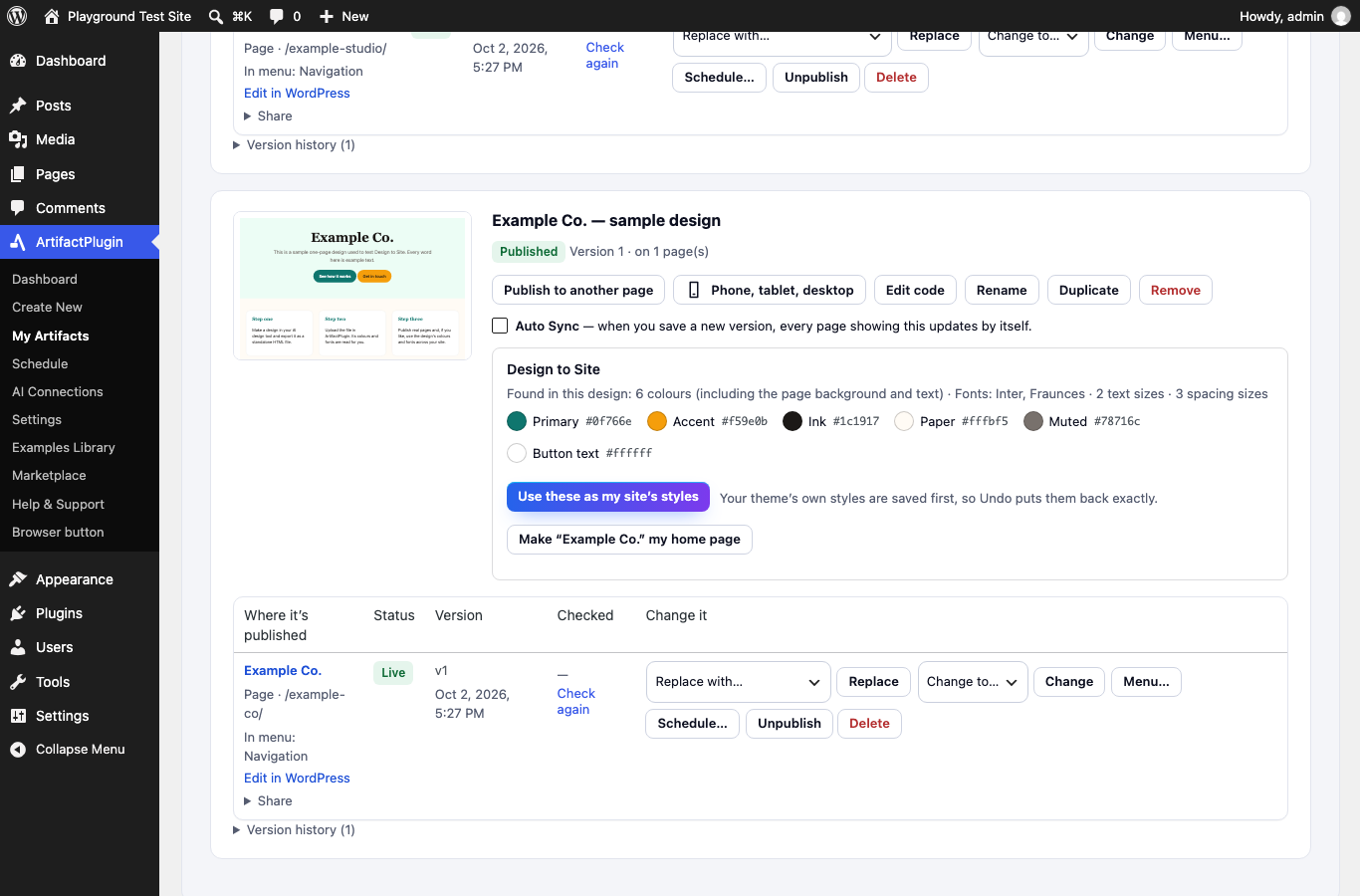
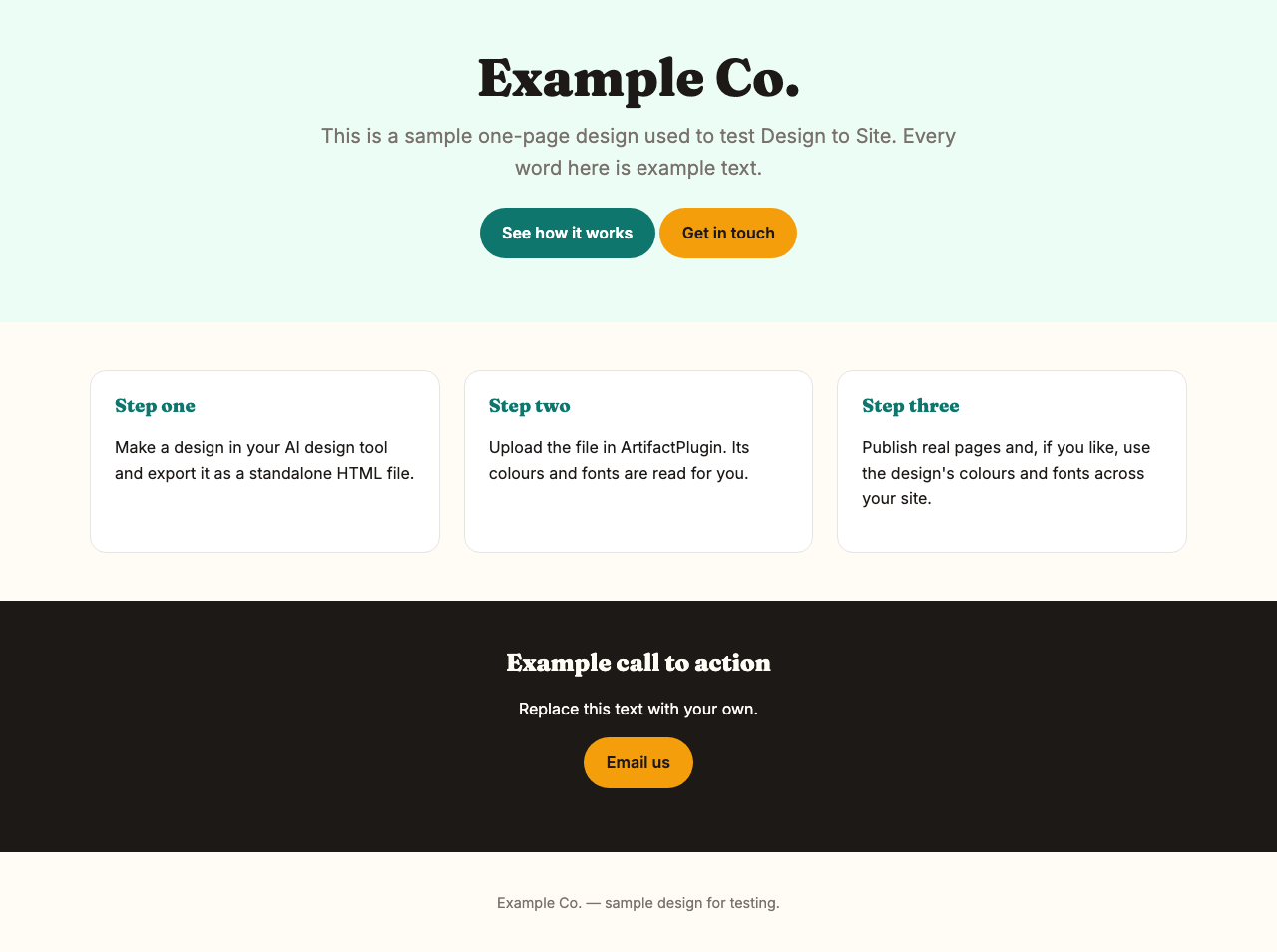
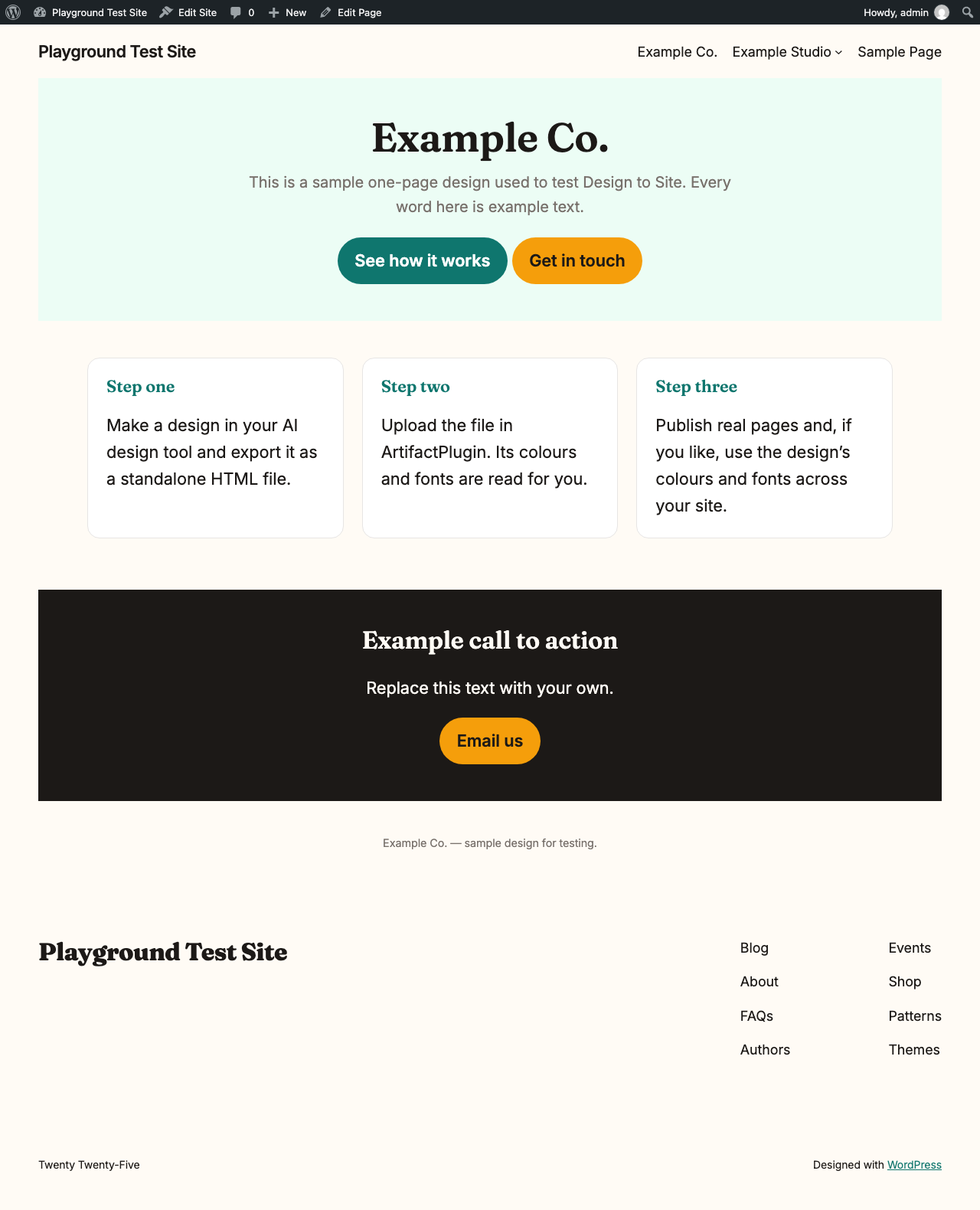
Before and after
Our own example design (not a customer’s), straight from our test run.
How it works
Export your design from your AI as a standalone HTML file.
In WordPress: ArtifactPlugin → Create New → Upload Files. Preview it, then publish — tick “Add a link to my menu” if you want it in your navigation.
In My Artifacts, press “Use these as my site’s styles” to give your whole site the design’s colours and fonts. Undo is one click.
Getting your design out of your AI
From Claude
- Open your design in Claude.
- Press Export (top right) and choose Standalone HTML. A file downloads.
- In WordPress: ArtifactPlugin → Create New → Upload Files, and choose that file.
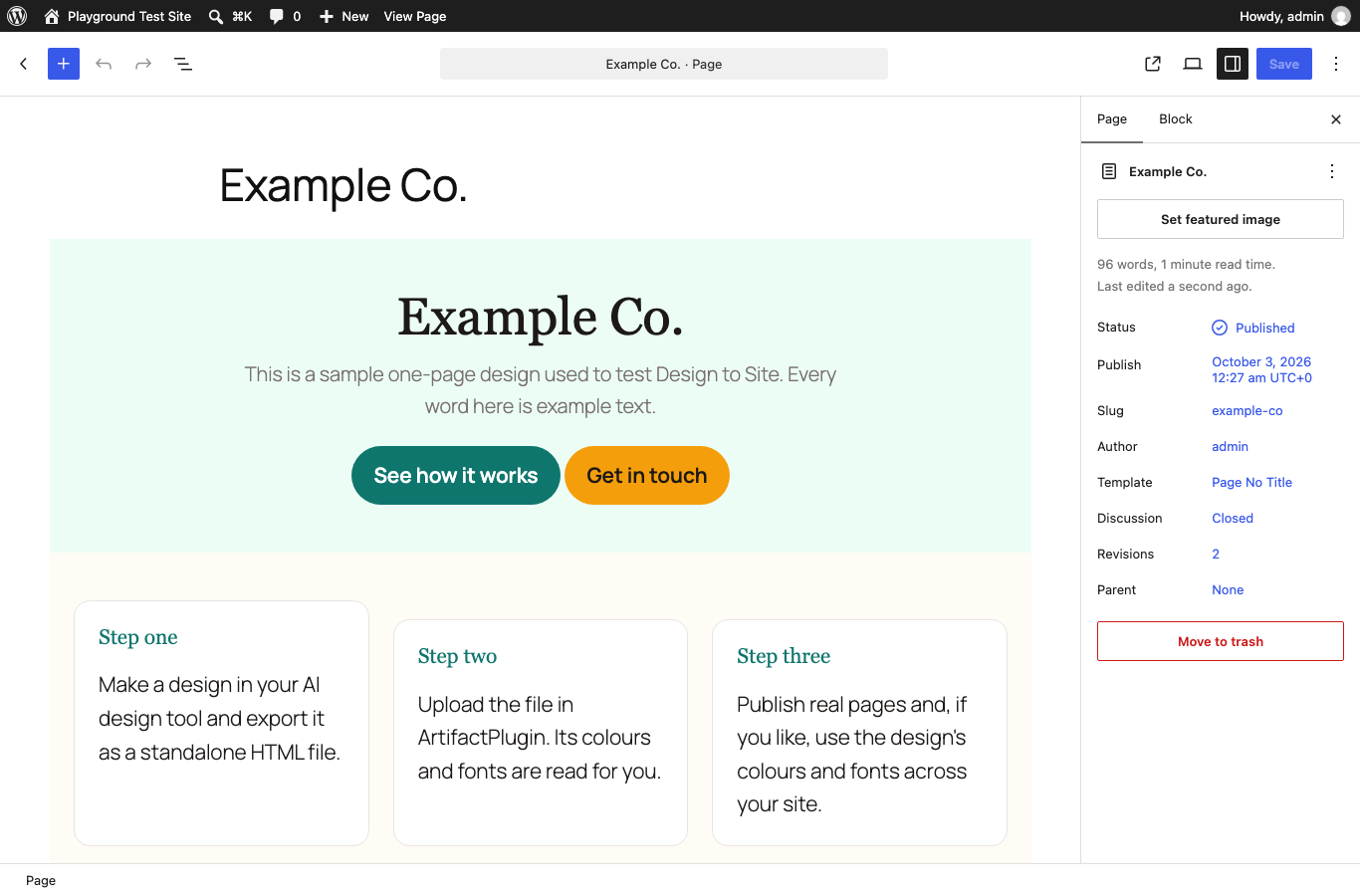
What you get
Questions
How do I get a Claude design onto WordPress?
Export the design from Claude as an HTML file, then in WordPress go to ArtifactPlugin → Create New → Upload Files, preview it and publish. That is Claude Design to WordPress on the site you already have — no developer, no new host.
Is this design to code without code?
Yes. The code your AI wrote is turned into normal WordPress blocks for you, so you never open or edit it. You change the page in the WordPress editor like any other page.
Can I turn a prototype into a real page?
Yes. A design you made as a prototype becomes real, editable pages — AI design to website, instead of something a developer has to rebuild.
Why can’t my AI just do this itself?
Your AI lives in a chat. It can’t log into your website — and it shouldn’t have your password. It also hands you one code file, but WordPress needs more than that: blocks you can edit, your theme’s styles, your menus and your search (SEO) fields. Code an AI writes can carry scripts that aren’t safe on a live site, so ArtifactPlugin checks it, walls off anything unsafe and signs what goes live. And updates, saved versions and checks on phones need something that stays on your site after the chat is over. With Connect your AI, your AI can publish for you — through ArtifactPlugin, the safe bridge to your site.
Will it change my theme?
Not unless you ask. Your pages are published inside your theme as they are. Your site’s styles change only when you press “Use these as my site’s styles”, and Undo puts them back exactly.
Which themes does it work with?
Pages work with any theme. Using the design’s colours and fonts as your site’s styles needs a block theme (one that has Appearance → Editor → Styles). With a classic theme, the design keeps its own look inside its pages.
What if part of my design can’t become blocks?
That part is shown in a walled-off box on your page instead, and ArtifactPlugin tells you why in plain words. The rest still becomes blocks.
Do I need a Claude plan?
Claude’s design feature is in beta on Claude’s Pro, Max, Team and Enterprise plans (Anthropic’s help centre). ArtifactPlugin only needs the file you export.
Which ArtifactPlugin plan do I need?
Pro or Agency. Design to Site is part of the ArtifactPlugin Pro add-on, which you download from My account after you upgrade.
Is my design kept anywhere?
Your designs, pages and versions live in your own WordPress. The ArtifactPlugin service converts what you send and keeps nothing.
Put your design on your site
Rather have it done for you? Silicon Beach Web will set it up →