
From your AI to your WooCommerce site.
The calculator, quiz, dashboard or small app your AI made becomes a real page on your website. No code, nothing to rebuild.
Start free • No credit card • Works with WordPress and WooCommerce
Using Claude or ChatGPT in Chrome? The Browser button sends it in one click (early access) →
Three ways to get it there ↓


Made it with AI? Here’s how it gets to your site.


Connect your AI
Connect Claude or ChatGPT to your website once — it’s free. Then just say “publish this” in the chat. It arrives on your site for you to check and publish.
Set up in the plugin: AI Connections
Browser button
On the Claude, ChatGPT or Gemini page, click the ArtifactPlugin button. What your AI made goes straight to your website — one click.
Paste or upload
Copy what your AI made, or download its file, and paste or upload it in the plugin. Preview it, press Publish.
In the plugin: Create New
All three end the same way: a real page on your website, checked on phone, tablet and desktop.
You built it. We publish it.

From AI to your site in minutes.

What it does now.
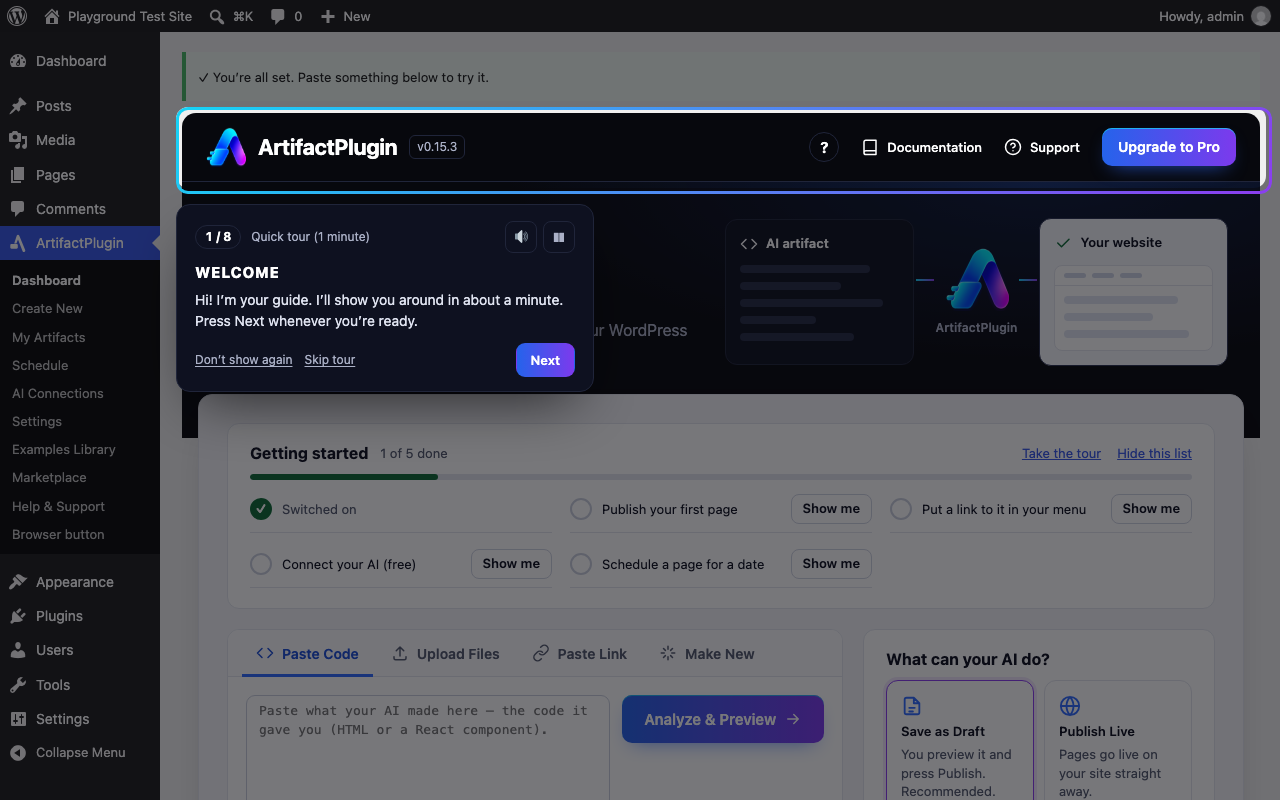
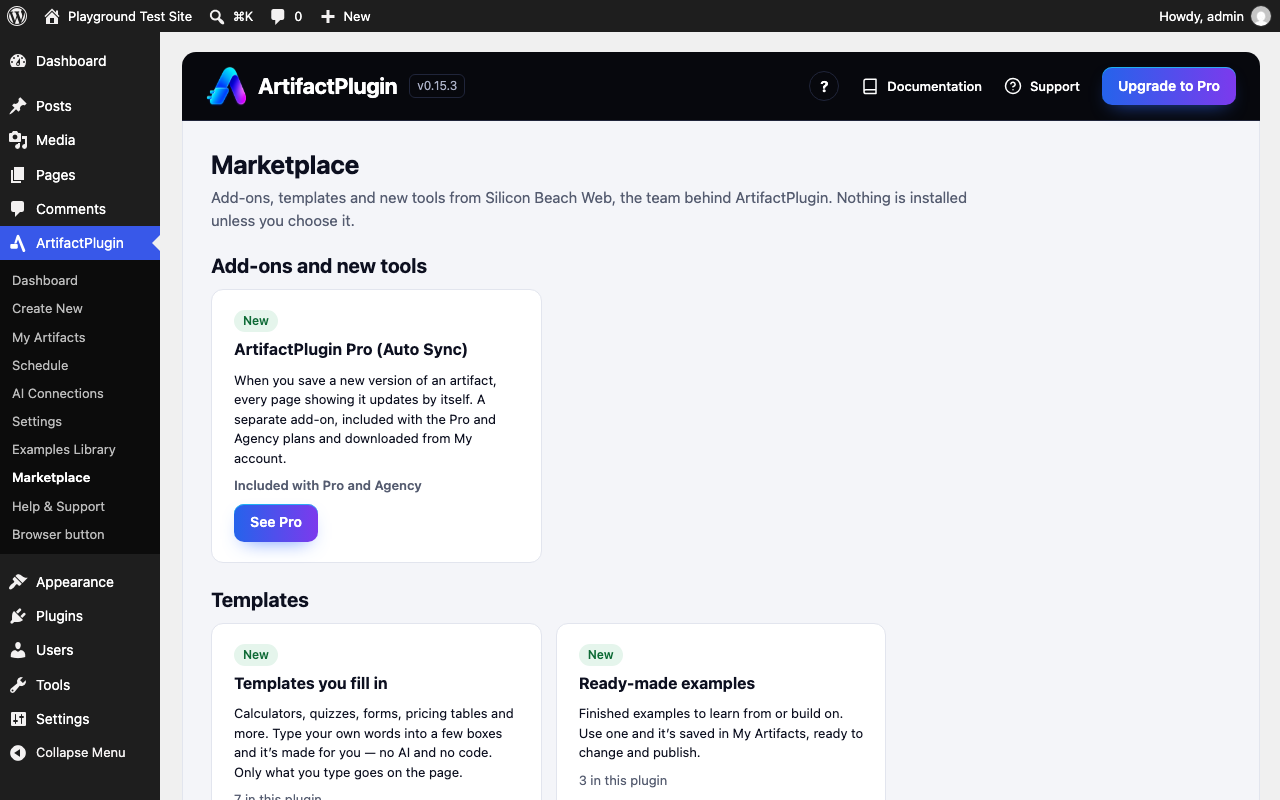
Every picture here is the plugin as it is today. Pick a feature to see it.
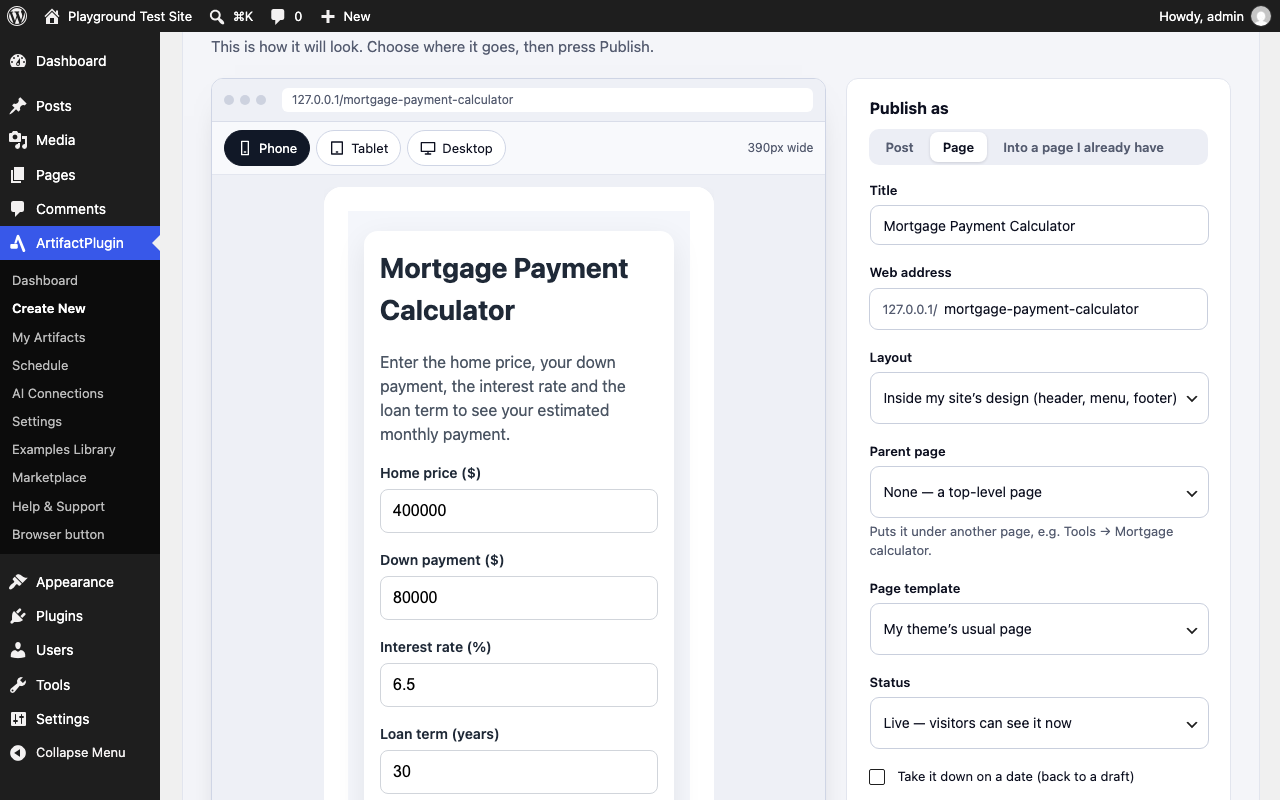
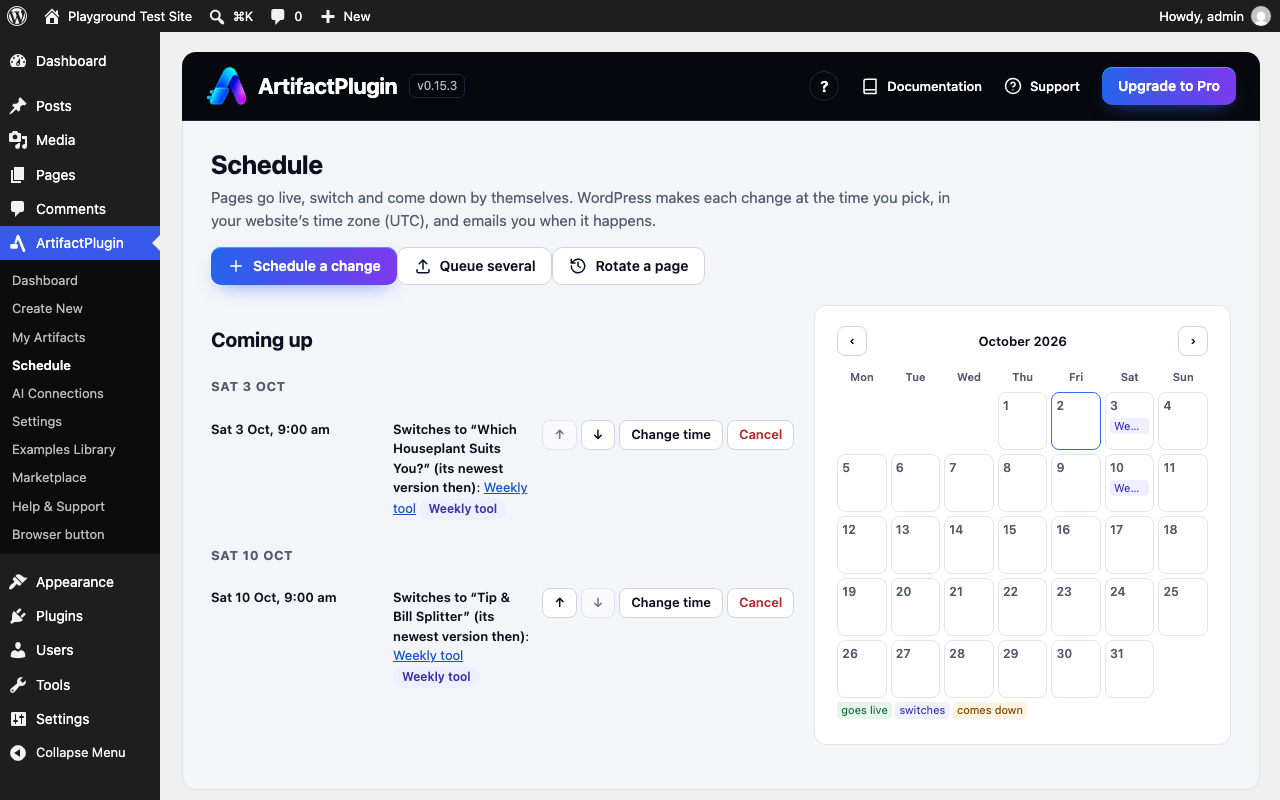
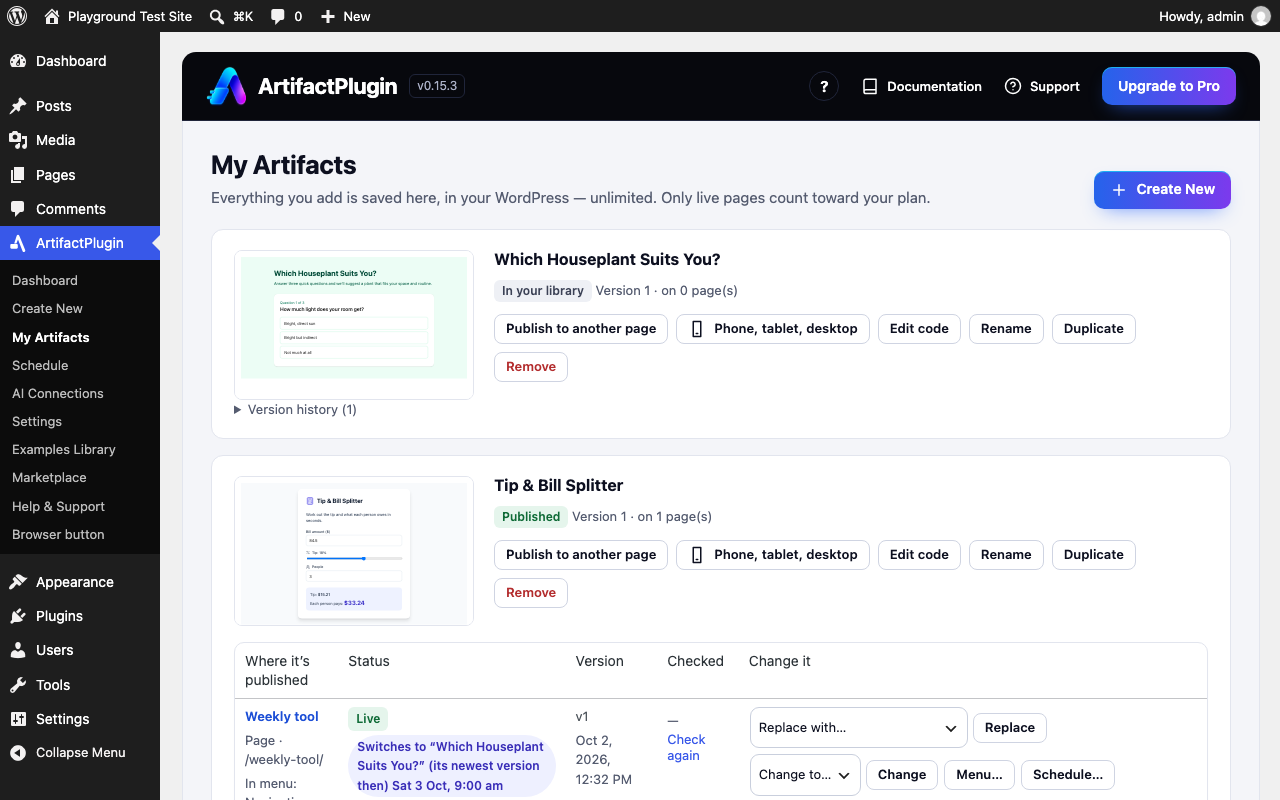
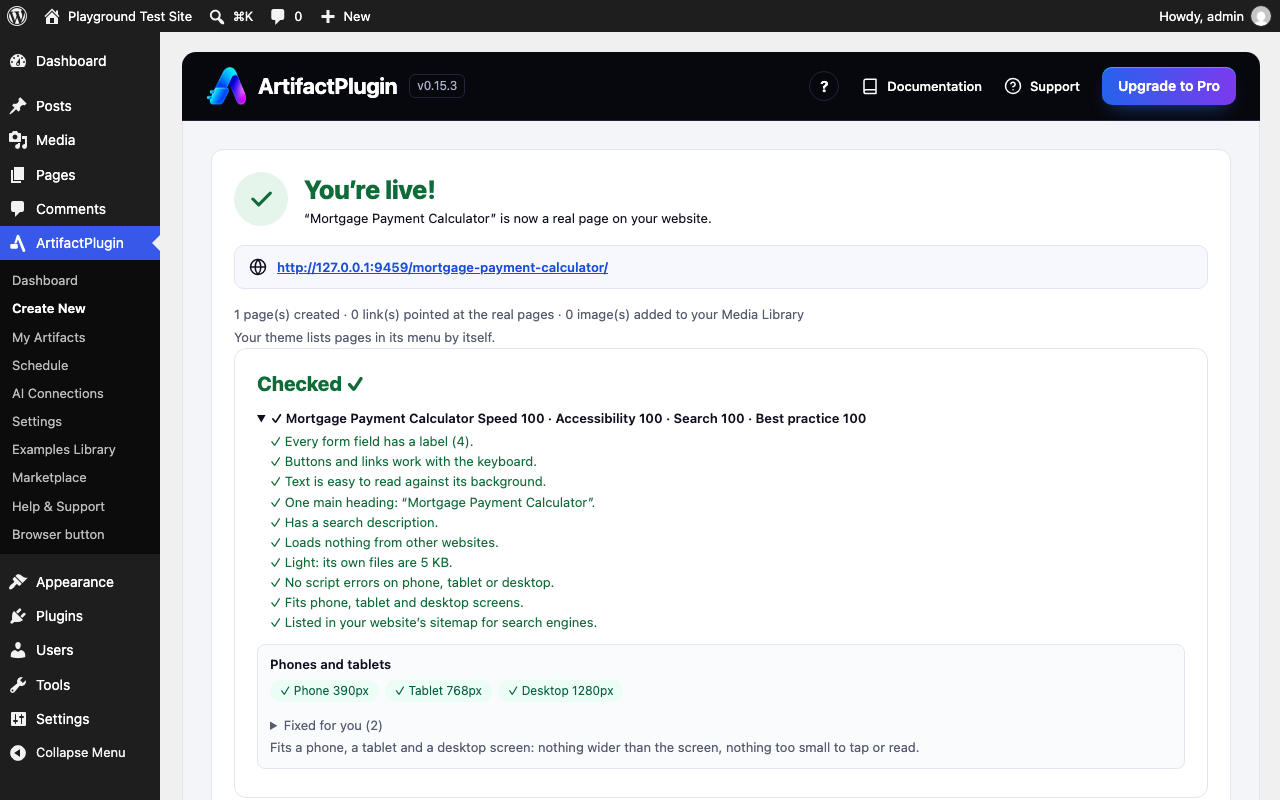
No endless spinners
If a preview can’t show, you’re told why in plain words within seconds — with a ready message to ask your AI to fix it.
WooCommerce stores too
Product finders, quizzes, size finders and bundles that use your real products, prices and stock and add to the cart — from the same WordPress plugin.

Connect your AI once. Then just say “publish this.”
ArtifactPlugin speaks MCP, the open way AI apps connect to tools. Claude, ChatGPT (in developer mode), Claude Code and any app that can add an MCP server can send what they made straight to your site.
- Free on every plan.
- You approve the connection on your own site.
- It saves drafts for you to check, unless you let it publish.
- Disconnect it any time under AI Connections.


What will you publish?
If AI can build it, ArtifactPlugin can publish it.
| Basic | Plus | |
|---|---|---|
| Pages | 3 | 50 |
| Storage | 1 GB | 20 GB |
| Support | Priority | |
| Price | $0 | $19 |
| Day | Focus | Done |
|---|---|---|
| Mon | Plan the week | ✓ |
| Tue | Deep work | ✓ |
| Wed | Review | ✓ |
| Thu | Outreach | — |
| Fri | Recap | — |
- Week 1Basics
- Week 2Practice
- Week 3Your project
- Week 4Share it
- 1Market
- 2Park
- 3Café
Order by Thursday, on your doorstep Saturday.
50 things you can build with AI — free list →
Made a design with Claude? Design to Site turns it into real pages →
Illustrations, not customer examples. Names and numbers are made up. Tiles marked “in the plugin” are real examples and templates that come with it.
From any AI to your website.
Works today with WordPress and WooCommerce. Early access for Shopify, Webflow, Wix, Framer, HubSpot, GoHighLevel and the browser button — we set it up for you.
 ArtifactPlugin
Using Shopify, Webflow, Wix, Framer, HubSpot or GoHighLevel? Early access — we set it up for you.


No lock-in. No hostage pages.
It lives on your site
Your library, every version and every page are stored on your own site. Our service converts what you paste and checks licences. It keeps nothing.
Stop paying, keep your pages
If a paid plan ends, every page you already published stays live and keeps working. Nothing is taken down.
Leave any time
Deactivating keeps everything. Deleting the plugin leaves the pages as your pages, but the interactive parts stop showing. That’s the honest version.
Nothing loads from elsewhere
Interactive parts run from one small file in your own uploads folder. Your visitors’ browsers don’t load them from anywhere else.
Start free. Upgrade when it’s working.
Free
- 1 website
- 3 live pages
- Unlimited saved artifacts and versions
- Paste, preview and publish inside WordPress
- Add the page to your menu
Pro
- Up to 5 websites
- 50 live pages per website
- Auto Sync: pages update when you save a new version
- Everything in Free
Agency
- Up to 25 websites
- 250 live pages per website
- Everything in Pro

Real help from real people.
Stuck at any step? Ask us and a person answers by email. Rather not do it yourself? We’ll build it for you and put it on your site.
Questions? We’ve got answers.
Something an AI made for you that people can use — a calculator, quiz, dashboard, tool or small app.
Anything that gives you the code or a file: Claude, ChatGPT, Gemini and others. Connect your AI and say “publish this”, use the browser button, or paste or upload it in the plugin.
Yes. In Claude open the artifact, click Share → Export → HTML. Then upload that file here or in the plugin — or connect Claude once and just ask it to publish.
Yes. It’s fitted to phones and tablets automatically, and you can see it on a phone, a tablet or a desktop before it goes live.
Yes. Update the page and it keeps its web address and menu link. Every version is kept, so you can switch back. You can also swap in a new one every week on a schedule.
Yes, through the same WordPress plugin: product finders, quizzes, size finders and bundles that use your real products, prices and stock, and add to the cart.
Those apps are built and in early access: they aren’t in each platform’s app store yet, so we set it up with you. Open that platform’s page to see what it does today and ask for early access.
No. Paste, preview, press Publish. A short guided tour shows you around the first time. If you get stuck, we’ll do it for you.
No. Your page can sit inside your site’s own design, run full screen, or sit inside a page — you choose.
Your AI lives in a chat. It can’t log into your website — and it shouldn’t have your password. It also hands you one code file, but your site needs more than that: blocks you can edit, your theme’s styles, your menus and your search (SEO) fields. Code an AI writes can carry scripts that aren’t safe on a live site, so ArtifactPlugin checks it, walls off anything unsafe and signs what goes live. And updates, saved versions and checks on phones need something that stays on your site after the chat is over. With Connect your AI, your AI can publish for you — through ArtifactPlugin, the safe bridge to your site.
Yes. The plugin is free for up to 3 live pages per website. No credit card.
You already built it.
Now put it on the web.
Free to start • No credit card • Takes minutes


